Your WhatsApp answers and books appointments, even at 11 p.m.
Kovia answers your customers with AI, books into your calendar and hands the conversation to your team when it's needed. On WhatsApp, Instagram, Messenger and email.
No card. 14 days or 50 conversations, whichever comes first.
María Fernanda López
Sonrisa Dental Clinic, on WhatsApp
Up and running in an afternoon
- 1
Connect your WhatsApp
Link your number to Kovia from your account in a few minutes.
- 2
Tell it about your business
Services, prices, hours and common questions. The AI answers with that.
- 3
Let it handle the chats
It answers, books and hands you the conversation when a customer needs a person.
What happens inside Kovia
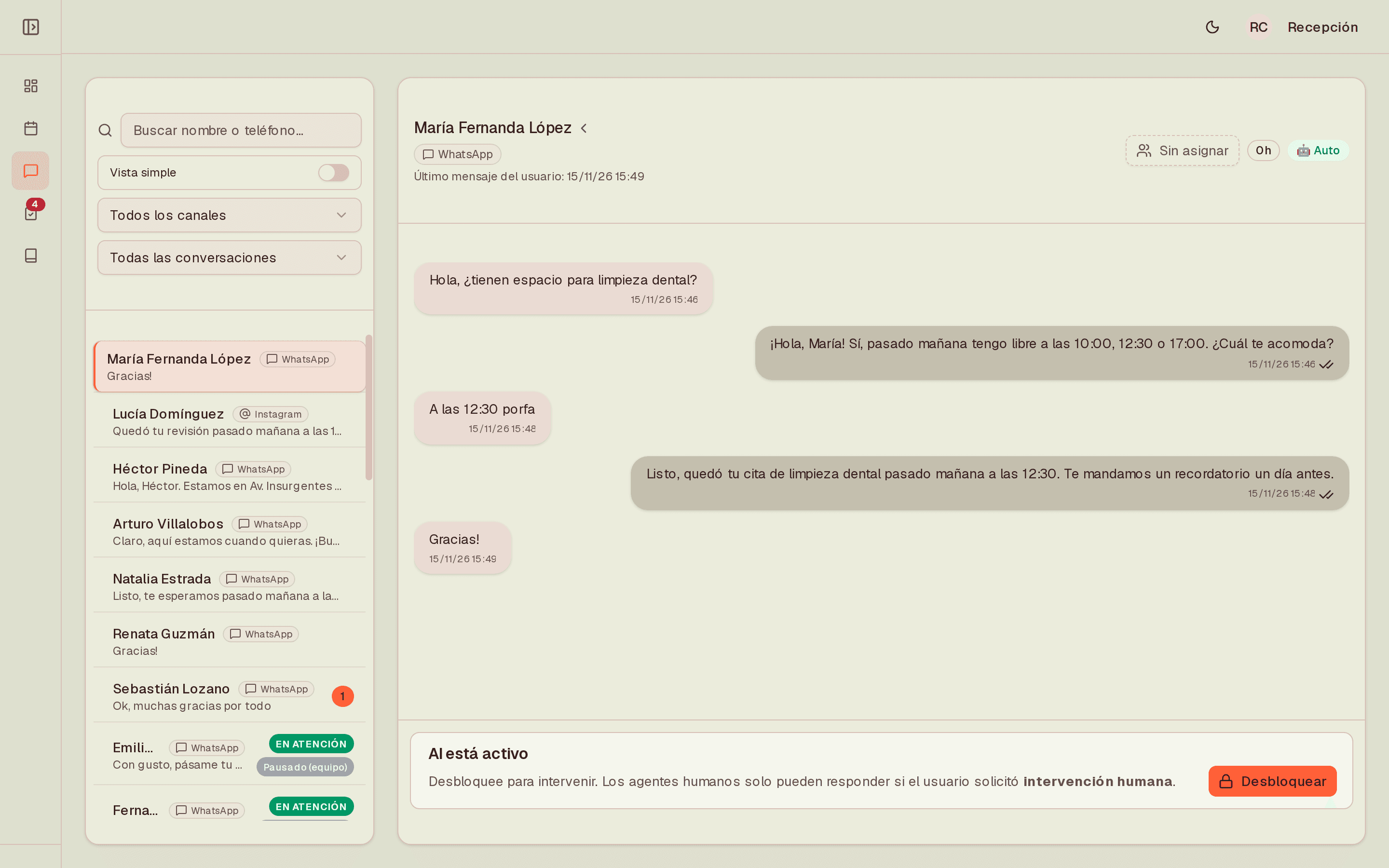
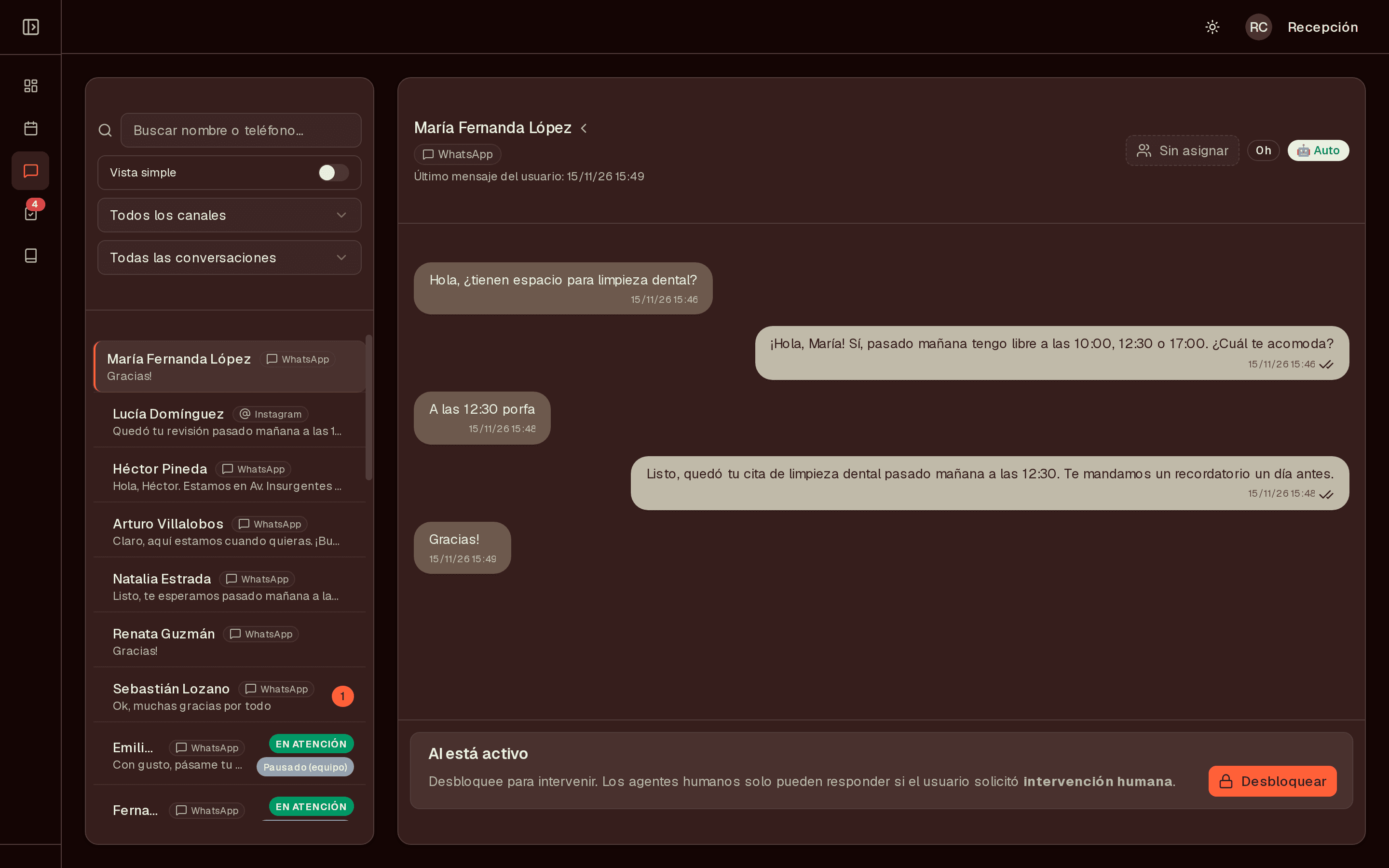
Answers with what your business knows
The AI answers with your services, prices and hours, and understands voice notes, photos and PDFs. When it doesn't know or the customer asks for a person, it hands the conversation to your team with an alert.
- Every channel in one inbox
- Your team can take over any conversation
- The inbox says why the AI is paused
Books into your calendar, not a notebook
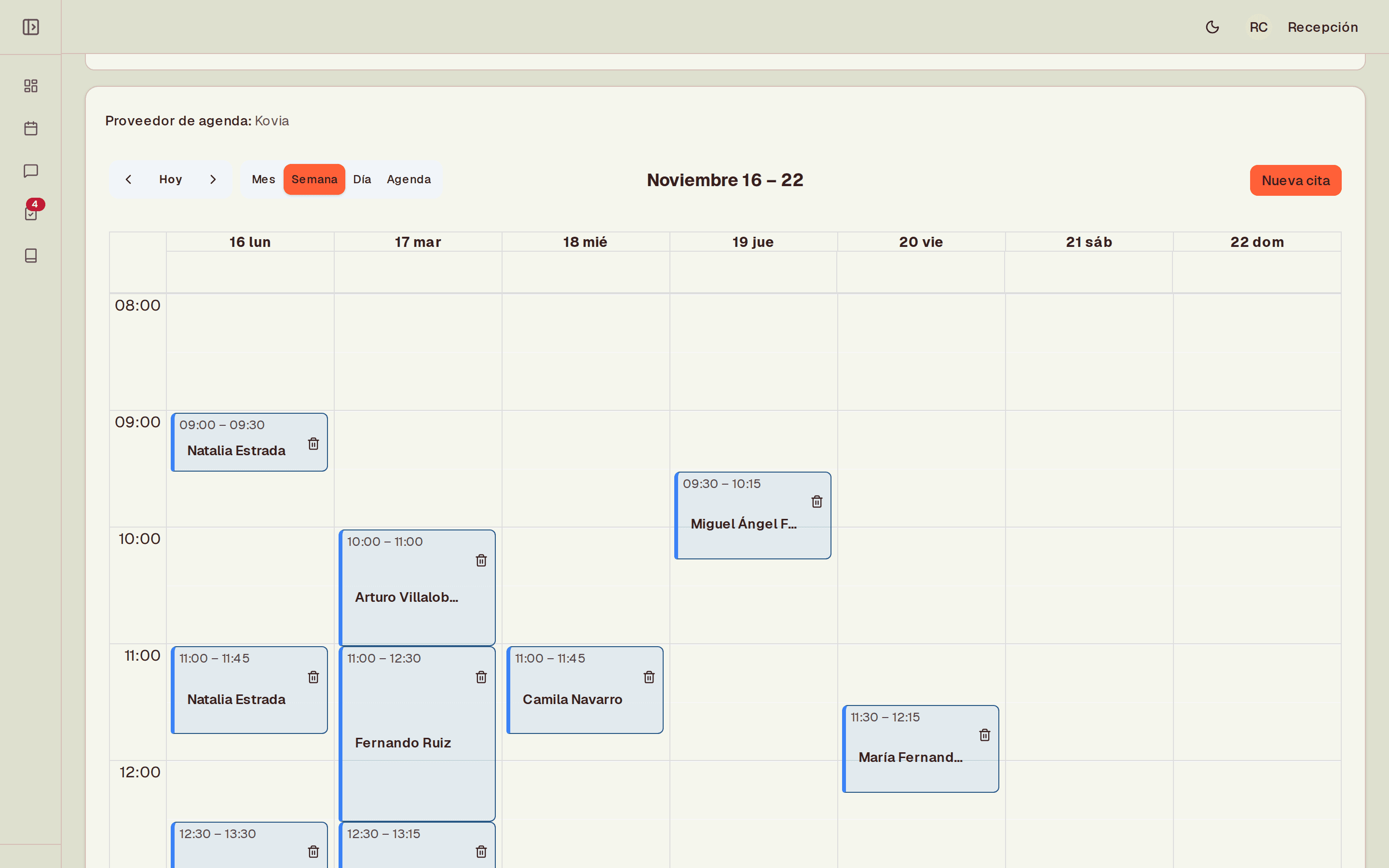
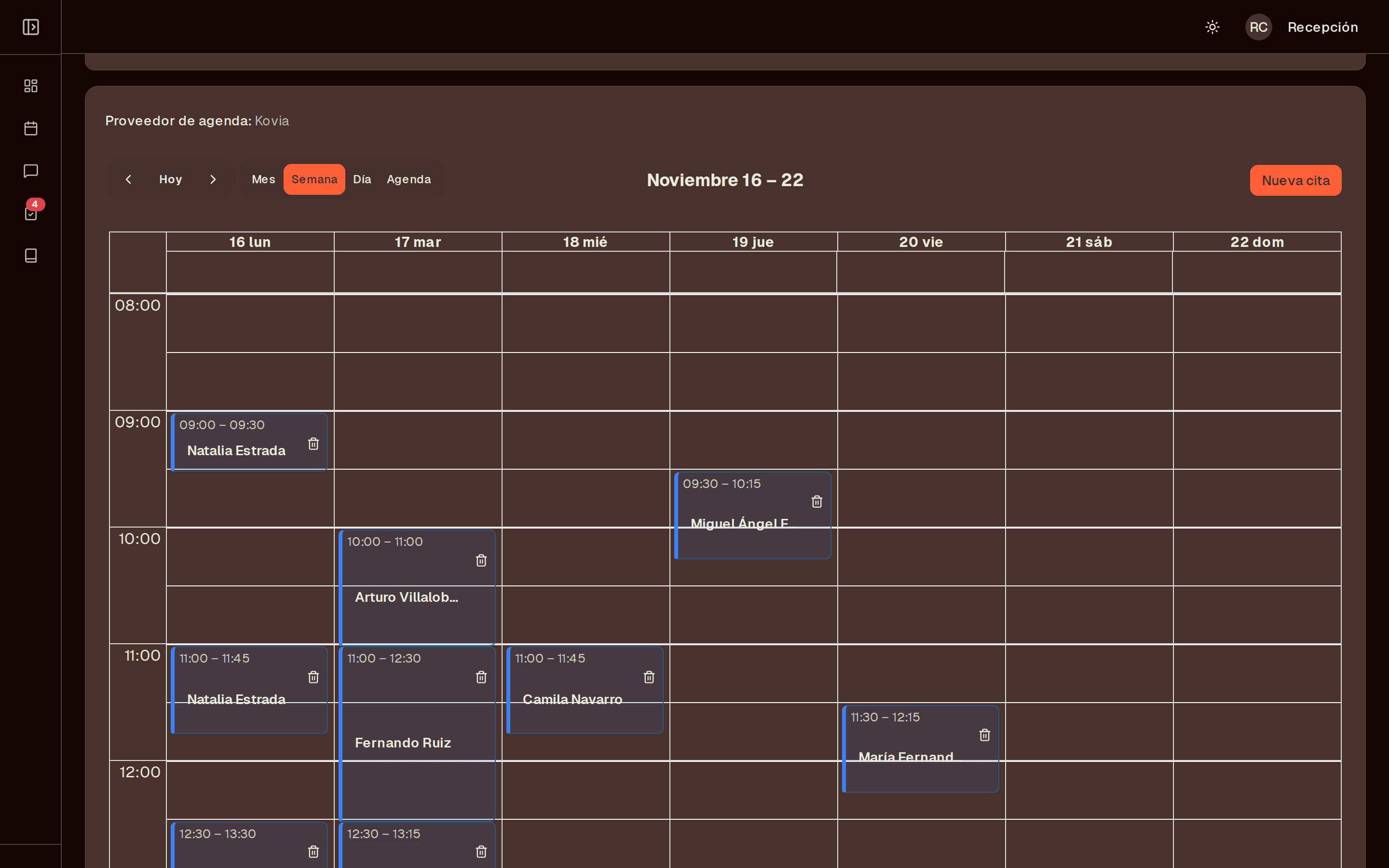
You set your services, their length and your hours. The AI offers only free times, confirms before moving or cancelling, and the appointment shows up in your Google Calendar or Outlook.
- Reminders to the customer on WhatsApp
- At the end of the day your team marks attendance from WhatsApp
- Customers add the appointment to their calendar in one tap
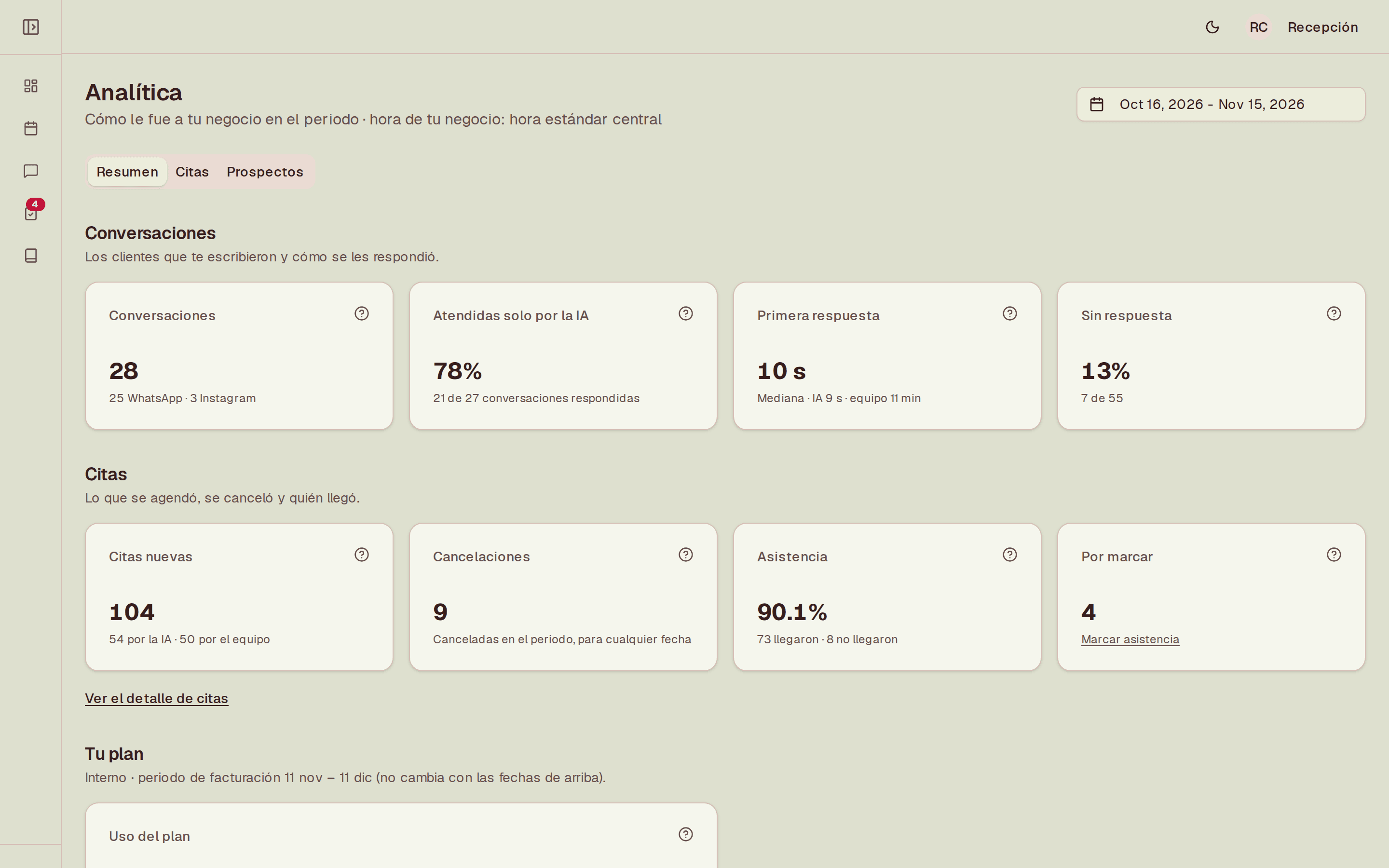
You know how much it's handling
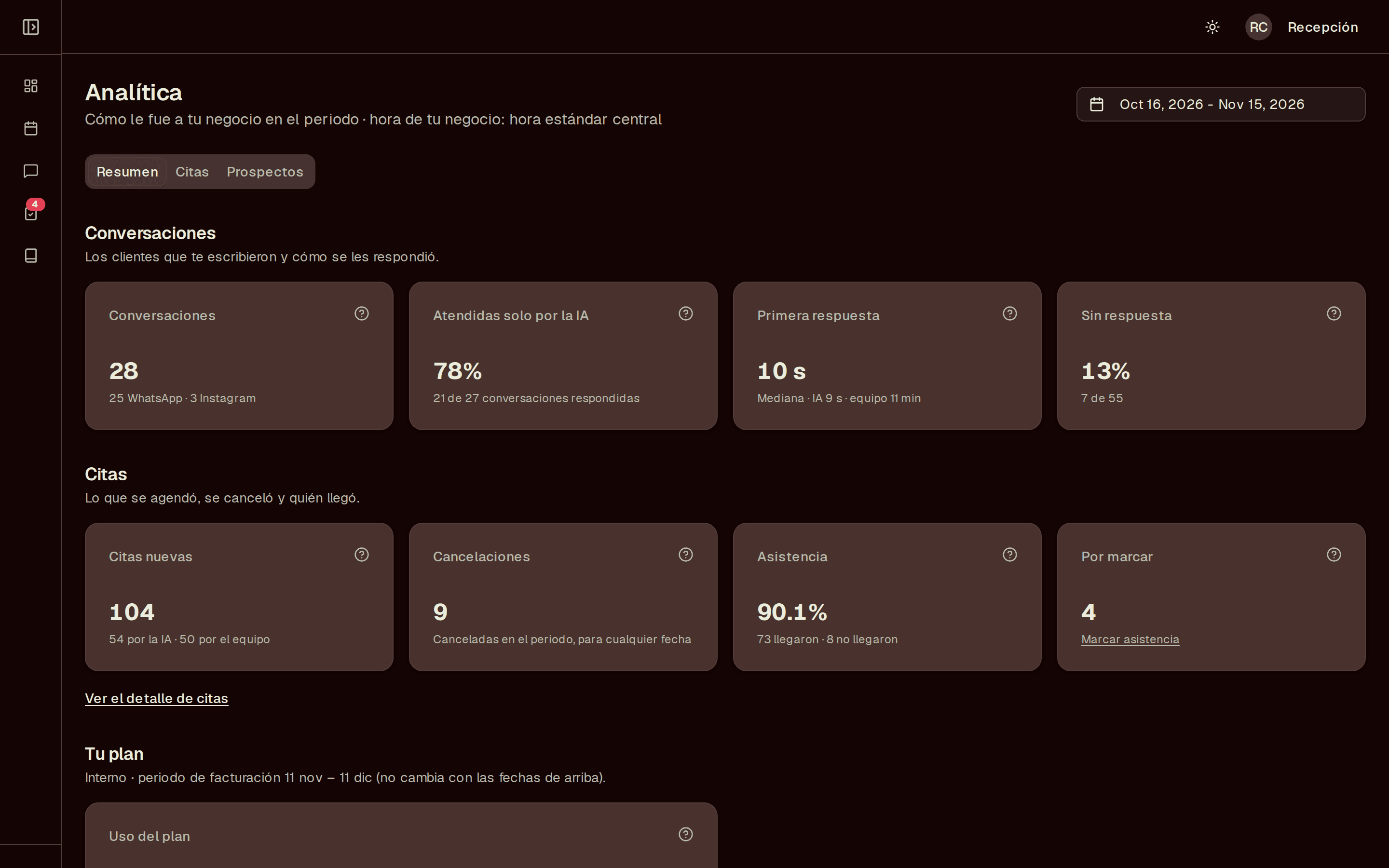
Analytics shows the period's conversations, how many the AI handled alone, the first-response time, new bookings and attendance. Every number explains how it's calculated.
- How many bookings the AI made and how many your team did
- Messages that went unanswered
- Your plan usage, up to date
Also works with Google Calendar, Outlook, Odoo, Airtable and Shopify. Use another tool? Write to us
Simple pricing, based on your volume
Pay for the conversations the AI handles each month. No surprise charges.
Kovia Essential
Available todayAnswer your customers automatically and turn conversations into appointments and leads.
How many conversations does your business handle a month?
VAT (IVA) included
300 AI conversations a month
≈ $10 MXN per conversation
14 days or 50 conversations, whichever comes first. No card required.
- 24/7 AI agent on WhatsApp, Instagram, Messenger and email
- Answers from your business information and understands voice notes, images and PDFs
- Books, reschedules and cancels appointments, with the customer's confirmation
- Automatic appointment confirmations and reminders
- End-of-day close-out on WhatsApp: your team marks attendance without opening Kovia
- CRM with sales pipelines and lead capture
- Hands the conversation to your team, with an alert, when the customer needs a person
- WhatsApp campaigns by pipeline stage
- A dashboard with your essential metrics
Busier month? Add 100 conversations for $1,000 MXN. If they run out, the AI hands new chats to your team; we never overcharge you.
Kovia Growth
Coming soonFind customers through advertising, answer them automatically and track the results.
Tell me when it's readyKovia Complete
Coming soonAcquisition, AI communications, payments, retention, operations and business intelligence in one platform.
Tell me when it's readyA conversation is one customer handled by the AI for 24 hours, on any channel. Messages your team writes and one-tap confirmations don't count.
Need a custom solution?
For high-volume operations, several teams or specific integrations.
- More than 3,000 conversations a month
- Integration with your CRM or ERP (Odoo, Airtable)
- Custom modules
- Priority support
- Personalized training
- Mexican tax invoice (CFDI)
WhatsApp (Meta) fees for template messages are paid directly to Meta.
Frequently asked questions
Everything you need to know before getting started
Will Meta block me?
No. We use anti-spam protocols and smart pauses to protect your number.
What happens if the bot doesn't know the answer?
The system detects the confusion and immediately escalates the conversation to a human.
Do I need to know how to code?
Not at all. If you know how to use WhatsApp, you know how to use Kovia.
Ready to serve better on WhatsApp?
Book a demo and we'll show you how Kovia adapts to your operation.